 featherlight
Live identification
and camera views.
Identify lights live. Save camera evidence. Preview your content against a reference view before handover.
 CAMERA REFERENCE · ILLUSTRATIVE VIEW
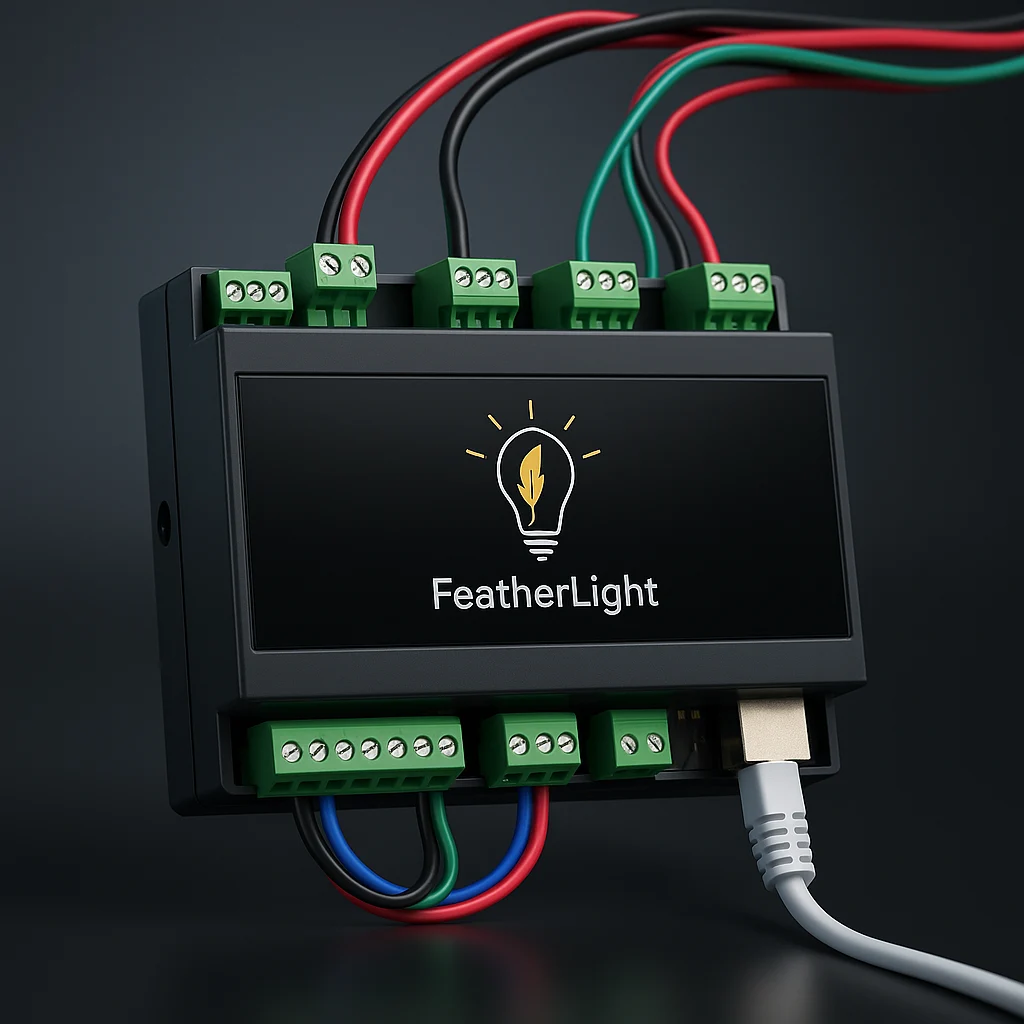
Map and calibrate an installation, hand it over, then support your customer remotely.
Explore the commissioning tools ↓Discover outputs, map your lighting and check the result before handover.
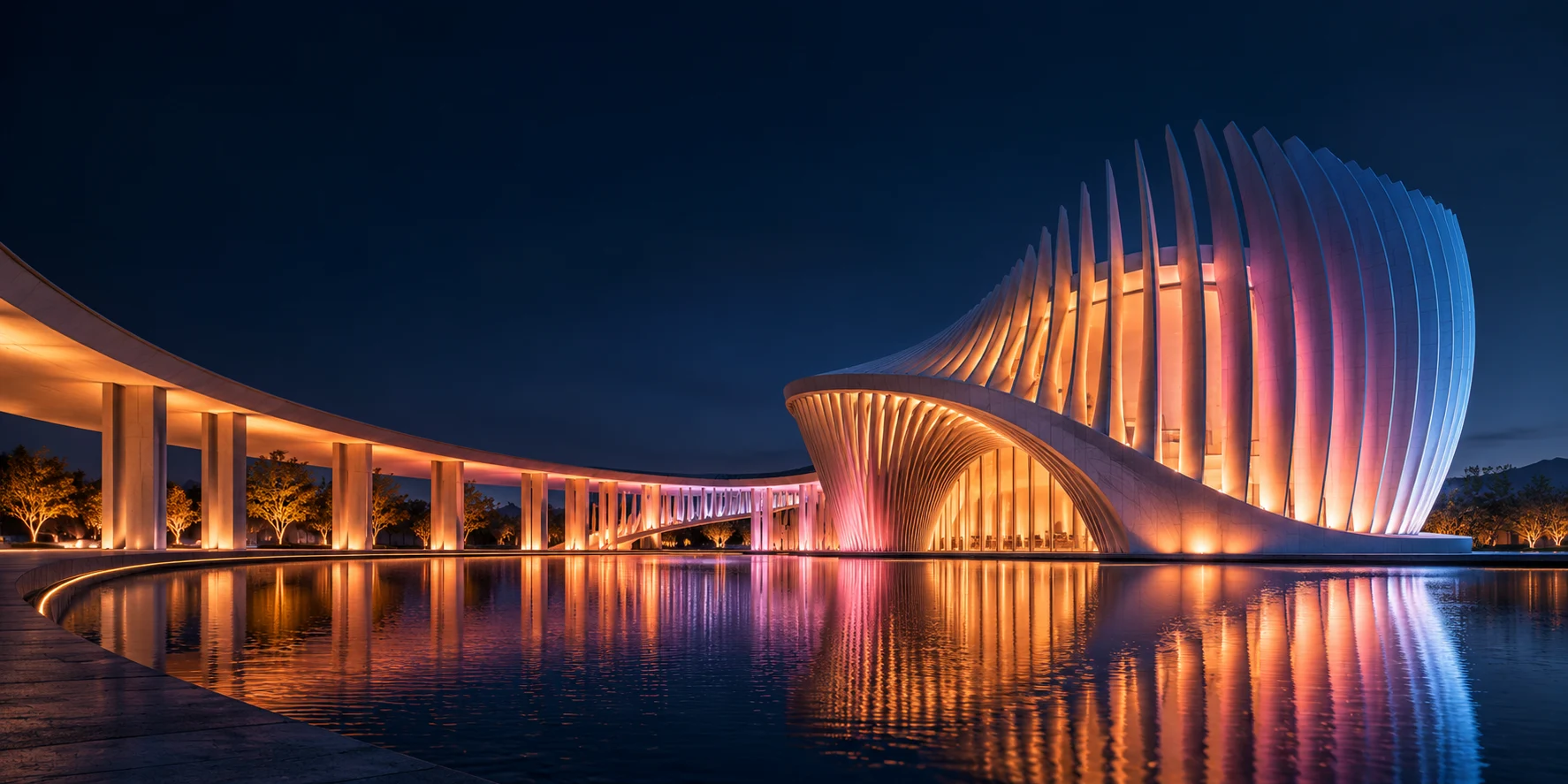
Illustrative workflow. Camera mapping results depend on visibility and capture conditions.
Identify lights live. Save camera evidence. Preview your content against a reference view before handover.
CAMERA REFERENCE · ILLUSTRATIVE VIEWUse camera-assisted calibration, adjust colour response and save fixture profiles you can reuse.
Check system health, update content and schedules, and give each customer the access they need.
Use shared content, AI creation and seasonal schedules to keep customer installations up to date.
Remote diagnostics and technical alerts help you see what needs attention.
Replace a controller while retaining maps, media, schedules and access.
Lighting protocols, fixture profiles and API integrations for new projects and upgrades.
Offer content updates, seasonal programming and remote maintenance throughout the life of an installation.
Request a walkthrough of the commissioning tools and cloud management platform.
Request a partner walkthroughMonday–Friday · 9am–6pm CST